Data engineering / Comparison
Dagster vs Airflow for a New Data Platform: Assets, Sensors, and Day-Two Operations
Dagster and Airflow compared on assets, sensors, partitions, backfills, retries, and observability, so you can choose the right core for a new platform.
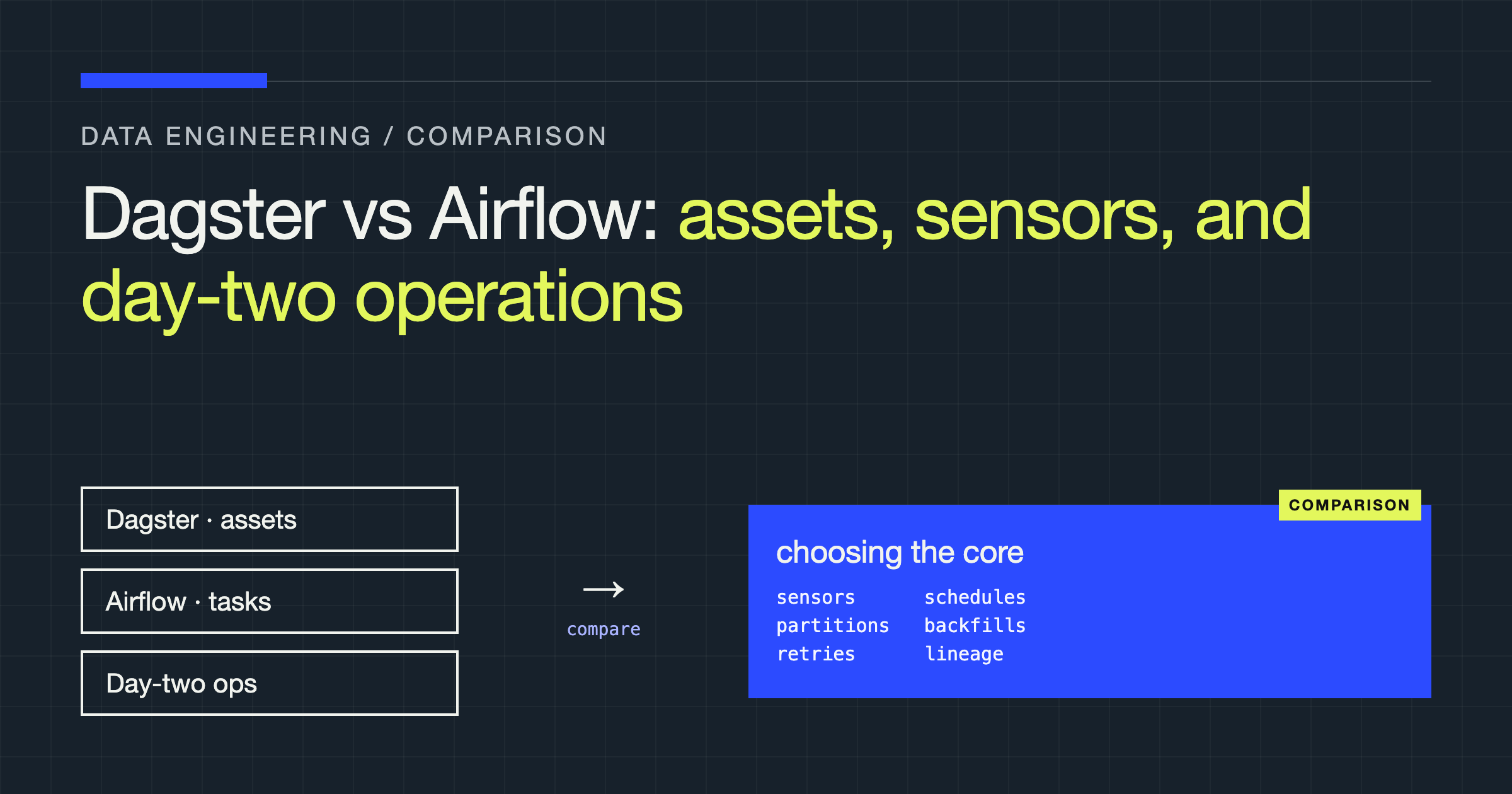
By the end of this comparison, you will have decided whether your new platform should be organised around Dagster assets or Airflow DAGs, and what that choice costs on day two, when sources arrive late, backfills collide, and someone must explain why a table is stale. Either tool can move data. They differ in what sits at the centre and how they reason about freshness.
The decision in one view
Airflow defines tasks in a directed acyclic graph, schedules that graph, and manages each run. Dagster defines the assets you want to exist, how each is produced, and when each should be materialised. That inversion shapes authoring, testing, lineage, and backfills.
| Concern | Dagster | Airflow |
|---|---|---|
| Primary unit | Asset: a table, file, or model | Task inside a DAG run |
| Graph meaning | Dependencies between assets | Dependencies between tasks |
| Triggers | Schedules, sensors, automation conditions on assets | Schedules and sensors that start DAG runs |
| Freshness question | Which assets are stale, and why? | Which runs succeeded or failed? |
| Partitioning | First-class, with per-partition status | Logical dates and run config, mapped by your code |
| Backfills | Select assets and a partition range | Re-run runs for a range, task by task |
| Lineage | Derived from asset dependencies | Derived from tasks, datasets, and integrations |
| Operational centre | Asset catalog and partition health | Scheduler, workers, runs, task instances |
| Strength | Software-defined assets, local development | Provider ecosystem, operational familiarity |
If your platform is heterogeneous jobs on a timetable, Airflow will feel natural. If it is datasets with freshness expectations and repeated reprocessing, Dagster pays for itself quickly.
Assets versus tasks
A task is an instruction: extract this, run that query, move this file. An asset is an outcome: this table exists, produced from those inputs, with this code, covering this partition. Model tasks and ordering is explicit, while data is something tasks pass or leave behind. Model assets and ordering is largely inferred from data dependencies, so the orchestrator can show downstream impact when an upstream table changes. In a task graph, you see that only if the author modelled the data dependency as a task dependency.
Not everything is an asset. Notifications, provisioning, and cleanup are side effects with no durable product to catalog. Dagster supports plain operations and jobs for that work, and Airflow tasks handle it naturally. Forcing every side effect into an asset shape becomes awkward, so be honest about the mix you have.
Defining work: software-defined assets and DAGs
In Dagster, you declare assets in Python, attach dependencies, checks, and resources, and load them into a Definitions object that drives materialisation, deployment, and the catalog.
import dagster as dg
import pandas as pd


@dg.asset(group_name="orders")
def orders_raw(source: dg.ResourceParam[object]) -> pd.DataFrame:
    return source.fetch_orders()


@dg.asset(deps=[orders_raw], group_name="orders")
def orders_clean(orders_raw: pd.DataFrame) -> pd.DataFrame:
    cleaned = orders_raw.dropna(subset=["order_id"])
    return cleaned.drop_duplicates(subset=["order_id"])


defs = dg.Definitions(assets=[orders_raw, orders_clean])
There is no ordering boilerplate: the argument named after the upstream asset is the dependency. Resources such as a warehouse connection are injected, so you can replace them in tests without rewriting asset logic.
In Airflow, you define a DAG, tasks inside it, and dependencies between tasks. With TaskFlow, you call task functions and pass results, so wiring reads like Python while still producing task instances at run time.
from datetime import timedelta

from airflow.sdk import dag, task


@dag(
    schedule="@daily",
    catchup=False,
    default_args={"retries": 2, "retry_delay": timedelta(minutes=5)},
)
def orders_pipeline():
    @task()
    def extract() -> str:
        return "s3://example-bucket/orders/extract.parquet"

    @task()
    def transform(path: str) -> str:
        return f"{path}.cleaned"

    transform(extract())


orders_pipeline()
The path above is an illustrative placeholder. The contract matters: Airflow schedules the DAG and records task state, while your code knows where data lives and how a rerun avoids duplicates. Providers extend this with prebuilt operators and sensors for many systems, a real advantage with a long tail of services. Dagster integrations often produce or wrap assets instead, so check whether each one is asset-producing, job-based, or just a library called inside your own asset.
Sensors and schedules
A schedule answers a time question. A sensor answers a state question: has the file landed, has the upstream asset materialised? A timetable cannot fix a late source, and a sensor cannot create a predictable cadence alone.
Dagster offers schedules targeted at asset selections, sensors that yield run requests, and declarative automation conditions on assets. Instead of a polling job per freshness rule, you declare that an asset updates on a cadence, after its parents, or when partitions are missing.
import dagster as dg

from assets import orders_clean, orders_raw

daily_schedule = dg.ScheduleDefinition(
    name="orders_daily",
    target=dg.AssetSelection.assets(orders_clean),
    cron_schedule="0 6 * * *",
)

@dg.asset(
    deps=[orders_raw],
    automation_condition=dg.AutomationCondition.eager(),
)
def orders_fresh(orders_raw):
    return orders_raw

defs = dg.Definitions(
    assets=[orders_raw, orders_clean, orders_fresh],
    schedules=[daily_schedule],
)
Airflow sensors are tasks that wait, either holding a worker slot while they poke or rescheduling between checks. Poke mode is simple, but many waiting sensors consume capacity real work needs. Reschedule mode frees the slot at the cost of more scheduler work and slower pickup. Deferrable sensors move waiting off the worker where supported.
from airflow.providers.standard.sensors.filesystem import FileSensor
from airflow.sdk import dag, task


@dag(schedule=None, catchup=False)
def waiting_pipeline():
    wait = FileSensor(
        task_id="wait_for_orders_file",
        filepath="/data/orders/ready.json",
        mode="reschedule",
        poke_interval="5m",
    )

    @task()
    def load() -> str:
        return "loaded"

    wait >> load()


waiting_pipeline()
Airflow also offers dataset-aware scheduling: a DAG declares datasets it consumes and runs when they update. That narrows the gap, but only with consistent discipline — if some producers only finish tasks, your freshness picture has holes where the discipline lapsed.
Partitioning and backfills
A partition is a slice — a period, region, or tenant — that can succeed, fail, retry, and backfill independently. Dagster makes partitions part of the asset definition: the asset knows which exist, which materialised, and which are missing or failed. A backfill targets an asset selection and a partition range, planned in dependency order, including downstream partitions affected by your repair.
Airflow uses logical dates, run configuration, and your task design. A run covers an interval, catchup controls whether missed intervals are created, and backfilling creates runs for a range. The partitioned dataset is then a convention your code maintains, not a catalog object. If two DAGs partition the same table differently, nothing forces reconciliation.
Take a late correction for one partition while newer ones keep arriving. In Dagster, you rematerialise it and inspect which downstream partitions are stale. In Airflow, you rerun the relevant runs and rely on your own bookkeeping to find downstream consumers. Conversely, a one-off repair gains only ceremony from a partitioned asset; a plain DAG run or job is cleaner.
Partition-scoped writes, deterministic keys, and replace-where-you-write semantics make retries and backfills safe. Append-only writes without deduplication make every recovery tool dangerous.
Retries, failure, and what happens next
Both tools retry at the level you configure — asset or operation in Dagster, task in Airflow — with counts and delays you set; Airflow also offers exponential backoff. A failed Dagster materialisation leaves the asset visibly failed for that partition rather than quietly absent.
A failed Airflow task blocks downstream tasks in that run, can trigger callbacks, and can be cleared so the scheduler re-runs it and, if you choose, its downstream relatives. Clearing is precise but easy to misuse: too broadly repeats expensive upstream work; too narrowly leaves downstream tasks consuming stale inputs. In Dagster, a failed step in a multi-step computation can retry from that step when intermediate results were stored; otherwise the asset rematerialises whole. So design assets at a granularity where rematerialising one is affordable.
Neither system fixes a bad contract. Retrying a deterministic error repeats it, retrying a throttled call without backoff worsens the limit, and retrying a non-idempotent write manufactures duplicates. Classify failures first — transient infrastructure, throttling, late data, permanent bad input — and let permanent failures surface as quality failures, not endless retries.
Observability and lineage
Airflow gives a mature picture of runs and task instances: states, logs, durations, and retries. Dataset lineage and freshness usually require external lineage tooling or dataset events, and quality depends on producers emitting that information consistently.
Dagster’s primary surface is the asset catalog: materialisations, partition status, asset checks, dependency lineage, and metadata per materialisation. Checks matter on day two because one can block downstream materialisation or record a warning, placing a quality gate where data is produced rather than in a separate workflow.
Neither interface replaces instrumentation. You still need structured logs, alert routing you own, identifiers linking a run to warehouse queries and external jobs, and retention decisions for history. In evaluation, start from a complaint about one table and note, qualitatively, how many clicks it takes to find the producing run, its inputs, and its logs.
Deployment topologies and day-two operations
Airflow separates scheduler, web and API components, metadata storage, and an executor running tasks locally, on workers, or in containers. That scales well, and it is the surface you operate: upgrades, provider compatibility, worker images, queue routing, and metadata database health. Managed services shift much of that burden, with constraints to test against real workloads.
Dagster separates web server and daemon from user code, which runs in code locations deployed independently. One team’s broken code location need not block everyone else’s schedules. You still operate run workers, event and run storage, and the sensor and automation daemon, plus image and secret discipline per code location.
For both: rehearse upgrades against a staging graph, back up orchestrator metadata separately, inject secrets through resources or connections, and audit who can trigger backfills and deploy code — orchestration control is write access to your platform.
Testing and local development
Dagster has the shorter path for asset logic: assets are Python functions with injected resources, so you can materialise a small graph in memory, substitute a fake resource, and assert on the result.
import dagster as dg

from assets import orders_clean, orders_raw


def test_orders_graph_materialises():
    result = dg.materialize_to_memory([orders_raw, orders_clean])
    assert result.success
    assert result.output_for_node("orders_clean") is not None
Airflow testing is usually layered: unit-test the callables behind tasks, validate DAG integrity, and run individual tasks for integration behaviour. Scheduler concepts and connections leak into tests if task code reaches for them directly. Keeping task callables thin, with logic in importable functions testable without a DAG, pays off in either tool and makes migration less painful.
from airflow.models import DagBag


def test_no_import_errors():
    bag = DagBag(include_examples=False)
    assert not bag.import_errors


def test_orders_dag_exists():
    bag = DagBag(include_examples=False)
    assert "orders_pipeline" in bag.dags
Add definition-level tests to continuous integration either way: load every definition or DAG file, fail on import errors, and run a representative slice with fake inputs. Many outages begin as a deploy that loaded in a notebook and failed only when the scheduler loaded it.
Migration paths in both directions
Airflow to Dagster works best asset by asset, not DAG by DAG. Inventory what your DAGs produce, redefine the producers whose freshness matters most as assets, and let the rest continue under Airflow. Dagster can observe assets it does not compute, so the catalog can come before every computation moves. Avoid dual scheduling, where both systems write the same output and neither is authoritative.
Dagster to Airflow means translating asset dependencies into explicit task dependencies and rebuilding the partition bookkeeping the asset model provided. That can be right for organisational reasons, such as consolidating on a managed service, but first list the asset features you rely on — checks, partitions, automation conditions — and decide where each will live afterwards.
The portable investment is identical either way: transformations outside orchestrator-specific code, explicit contracts, partition-scoped idempotent writes, and connections behind a thin layer. With those, changing orchestrators is a platform project. Without them, it is a rewrite wearing a migration badge.
Failure modes and edge cases
Plan for the scheduler or daemon being down, then recovering: missed schedules, sensors resuming against changed state, and a burst of work at once. Plan for duplicate delivery, a file arriving partially written, and a schema change that passes extraction and breaks a downstream consumer. Plan for timezone mistakes at schedule boundaries, a partition that legitimately has no data, and a backfill overlapping live traffic and saturating the warehouse.
Plan for people, too: a paused schedule nobody remembers pausing; a code location or DAG file failing to load, silently removing work while consumers read old data; an alert channel firing on every retry until the team mutes it. Before committing, build the same small pipeline in both tools and break it on purpose — stop a source, deliver bad data, kill a run, repair one partition — and compare how each shows the damage and proves the data healthy again.
Verdict
Choose Dagster if your centre of gravity is datasets: you care which assets are fresh, partitioned, checked, and affected by a change; your team writes Python and values testing assets locally; and you want freshness rules expressed against the data itself. For a genuinely new platform, that asset model is the stronger default, because the catalog, lineage, and partition record it builds from the start are painful to retrofit.
Choose Airflow if your centre of gravity is jobs: varied tasks across many external systems, a premium on provider coverage and operational familiarity, an existing platform team or managed service, or primarily time-driven scheduling. Its ecosystem and operational knowledge are real advantages, and they compound when your problem is breadth rather than freshness.
Do not expect either to remove platform work. Both require idempotent, partitioned, observable pipelines and a system you operate. Pick the tool whose abstraction matches the questions your team asks every day — you will either use it or spend day two rebuilding it by hand.